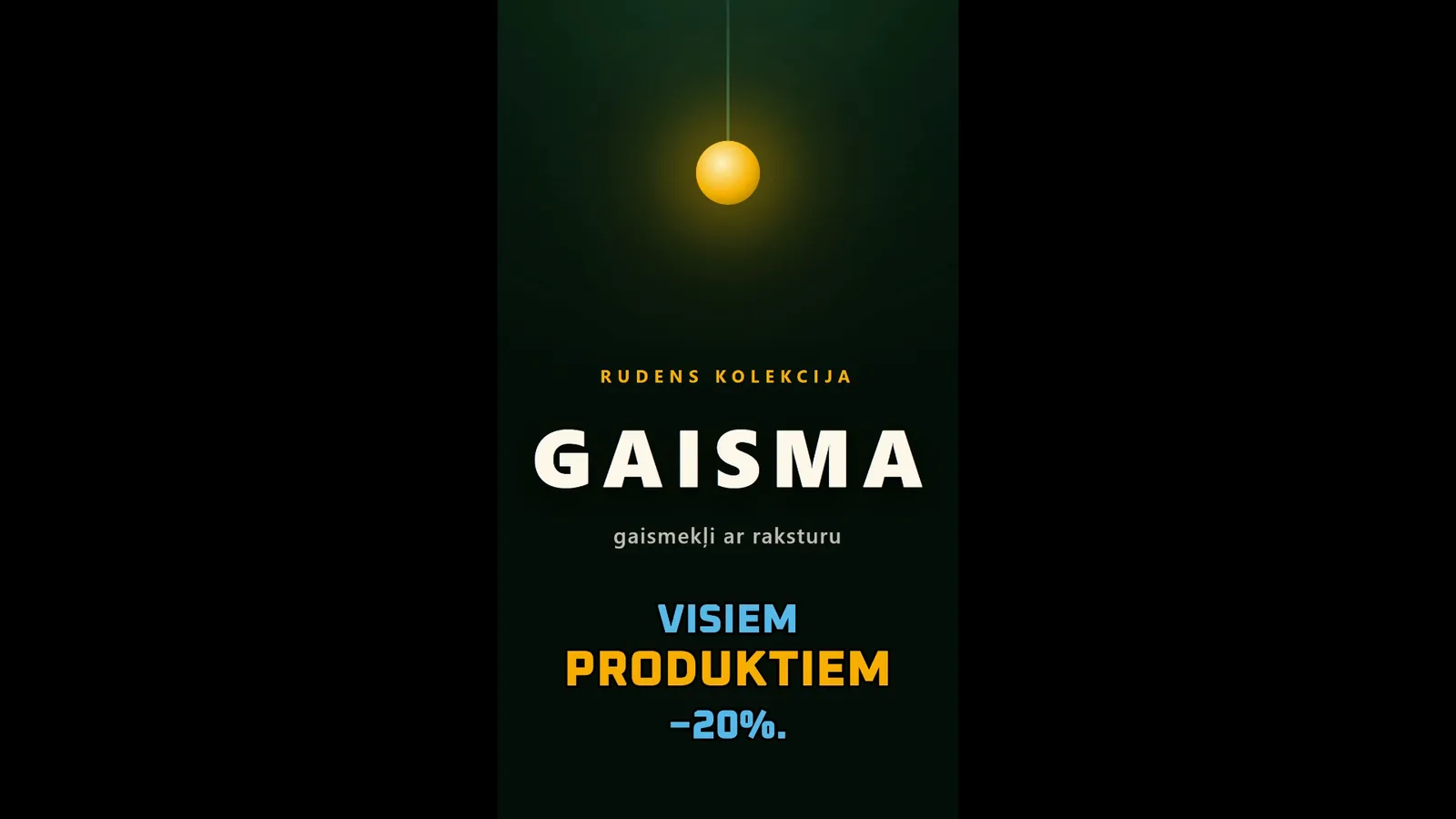
From an empty project to a finished video - all in one place, rendering included
A browser-based video and motion-graphics editor where you bring video, images, audio and graphics together. AI writes the subtitles for you, preset styles take the work out of making it look good, and animations and on-screen information graphics can be generated from a plain text instruction.
Formats
TikTok · Reels · Shorts
Rendering
In the cloud
All the data shown is synthetic, and no client-identifying information appears.
Step by step
1 / 6
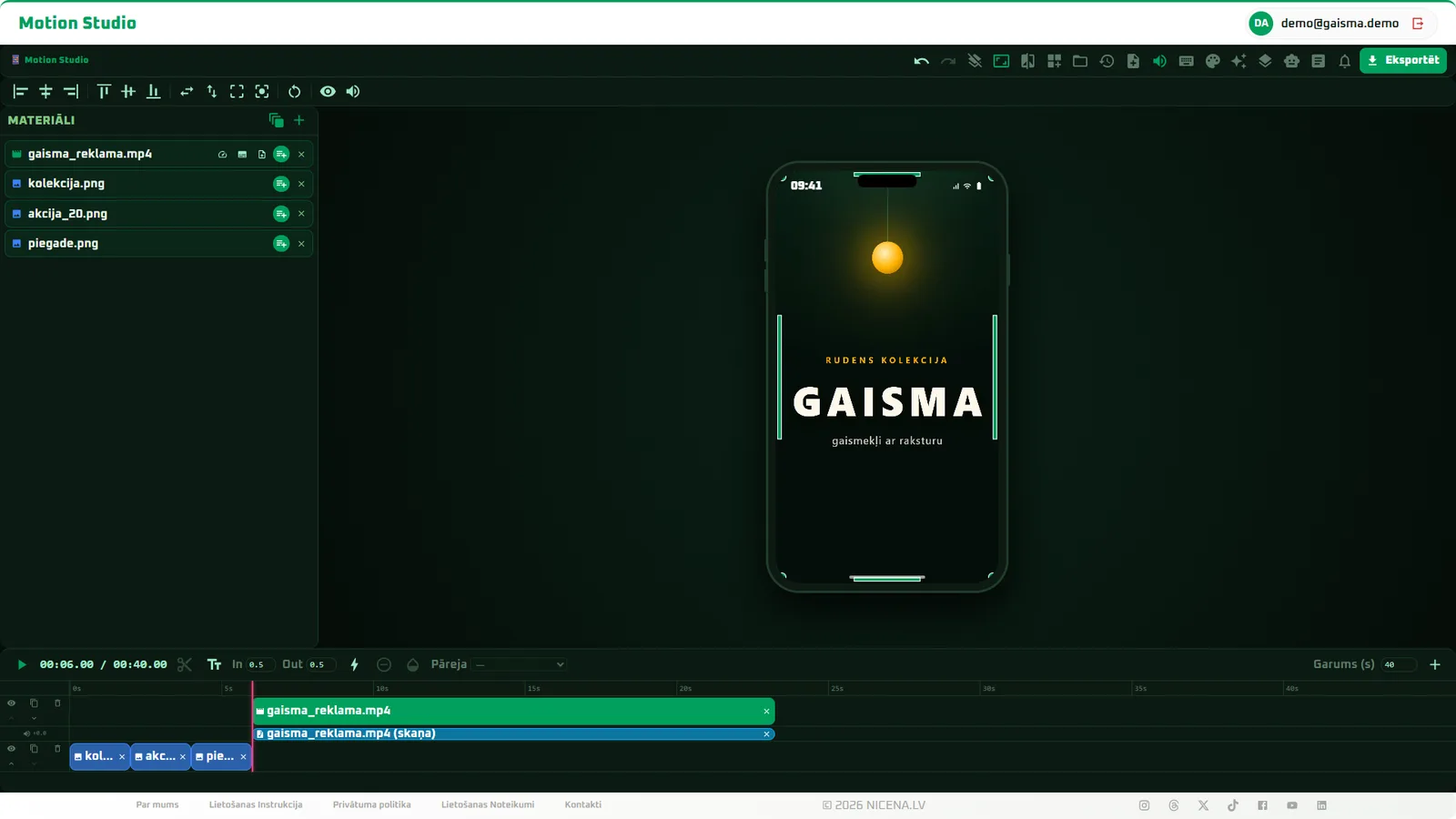
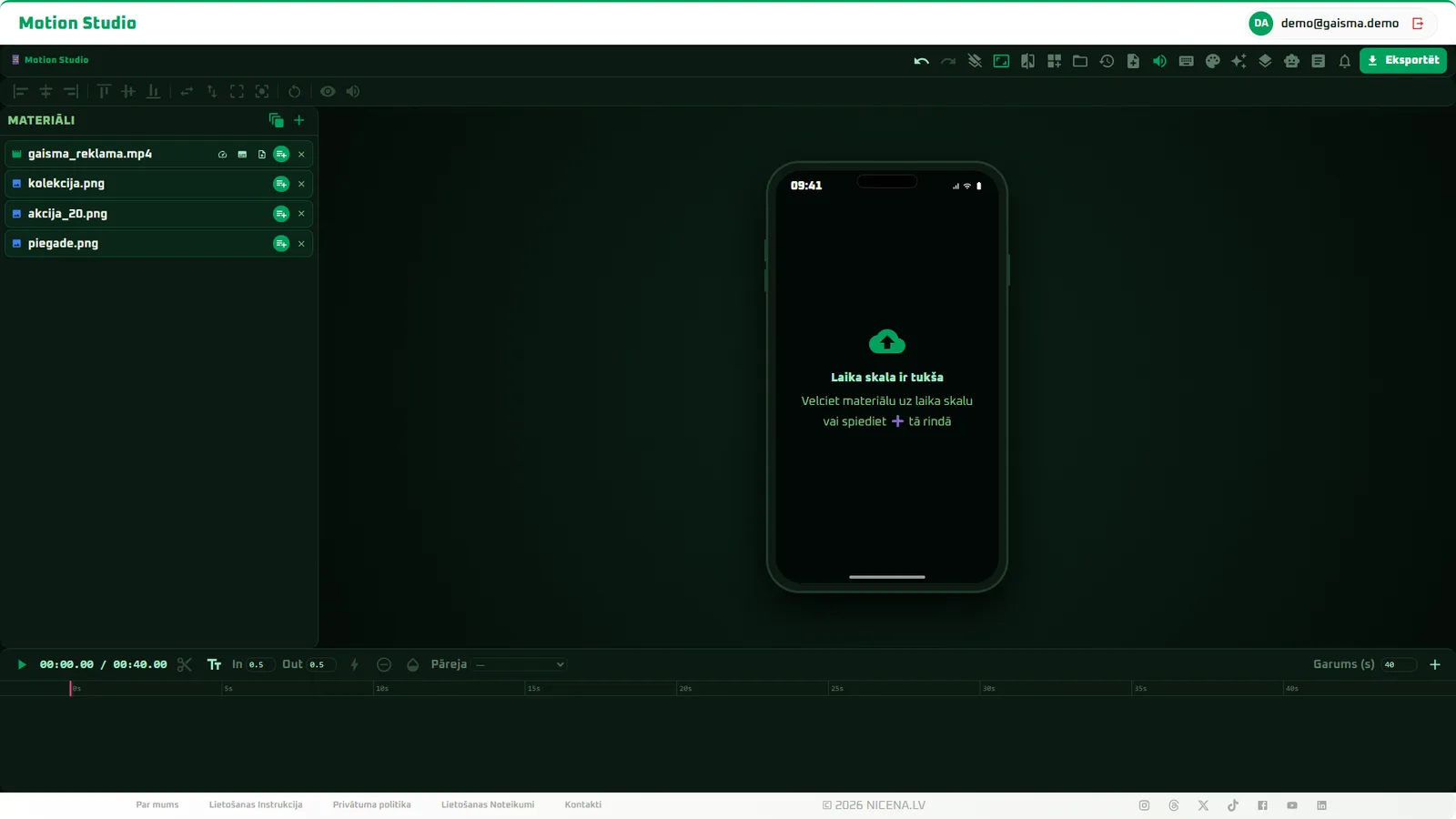
01Materials uploaded, the timeline still empty - everything happens in the browser, nothing to install.
What it can do
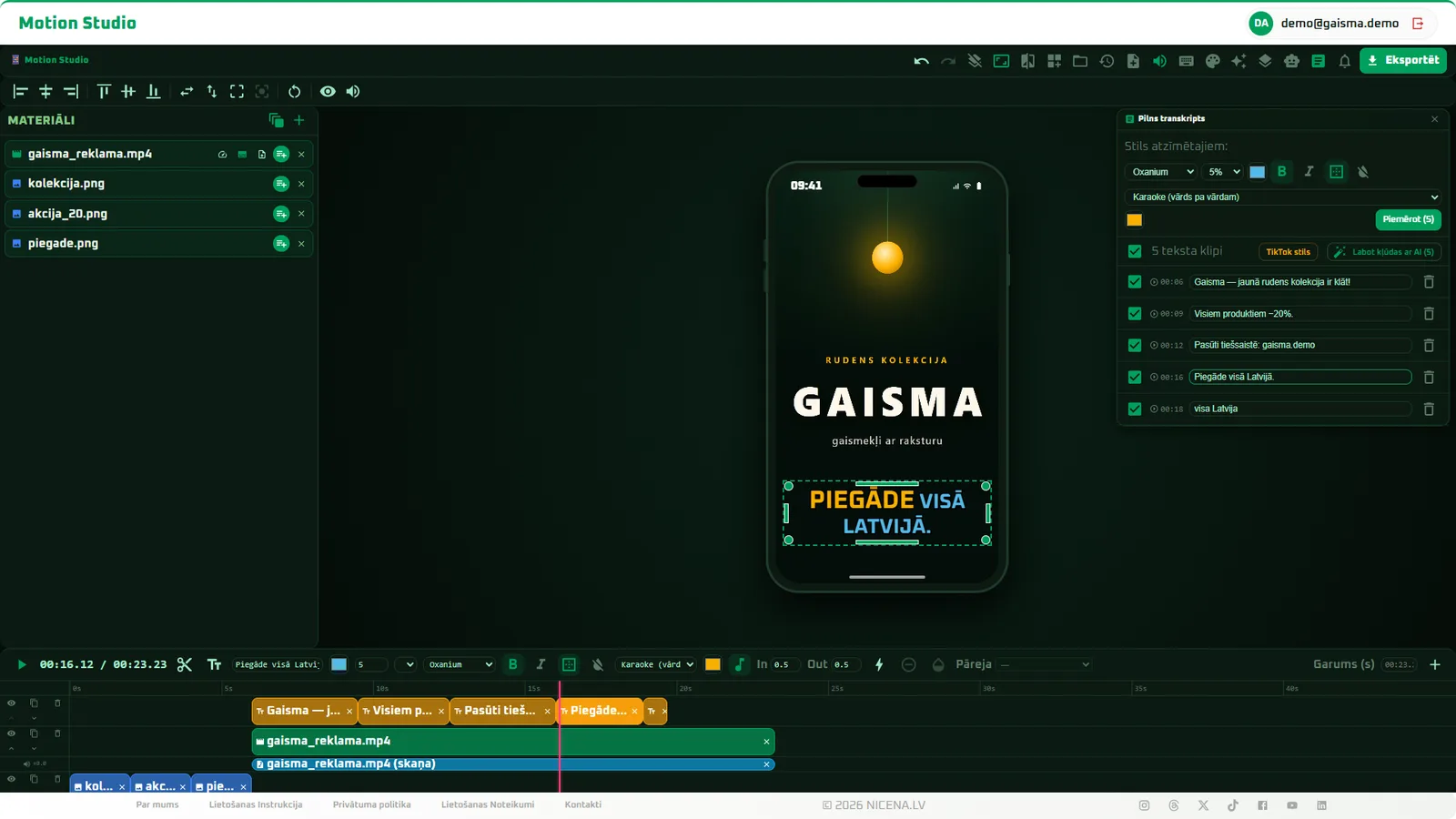
AI transcription with Whisper - word-by-word karaoke subtitles, with every line freely editable afterwards
AI generator - describe the caption you want in plain language and it creates and places an animated element
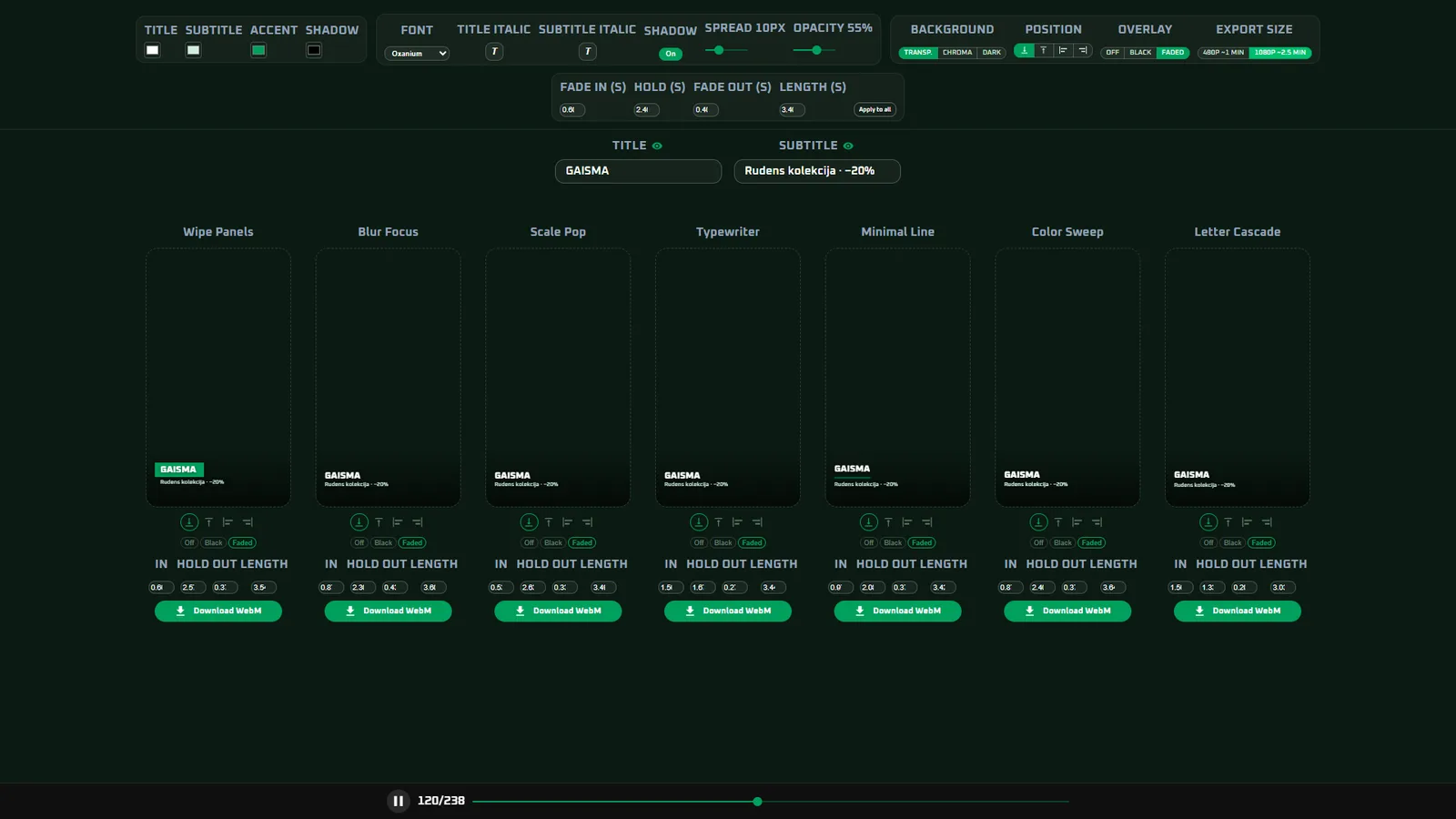
Lower-third generator - transparent brand overlays dropped straight into the video
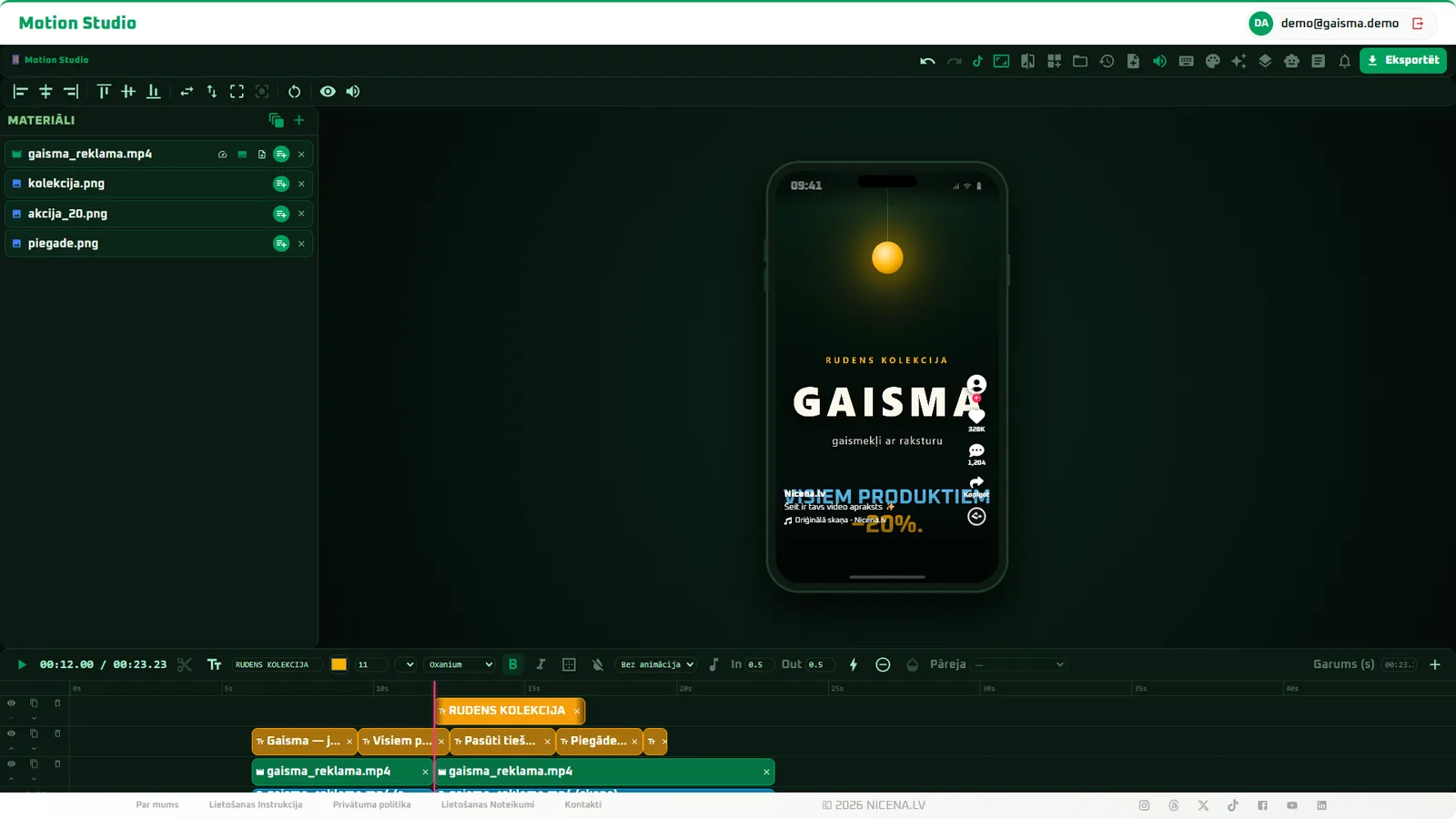
TikTok and YouTube Shorts safe zones - text never hides behind the platform UI
Cloud rendering - the heavy lifting happens server-side, so a modest laptop is enough
Seven kinds of clip-to-clip transitions plus per-clip fades - applied in a couple of clicks
One-click colour grading - ready-made looks, with sliders for the fine points
Reusable templates - save the layout, text and transitions once and use them in every next video
Need something like this for your business?
Each of these tools is a custom-built solution - we can adapt and build the same for your exact process. Tell us about your idea in the questionnaire.
 1 / 6
1 / 6